




INTRODUCTION:
The internet has changed the way we live. It allows us to communicate, shop, learn, and work from anywhere. But as it grows, so do the dangers online. Cyber threats are becoming more advanced, targeting millions of internet users every day.
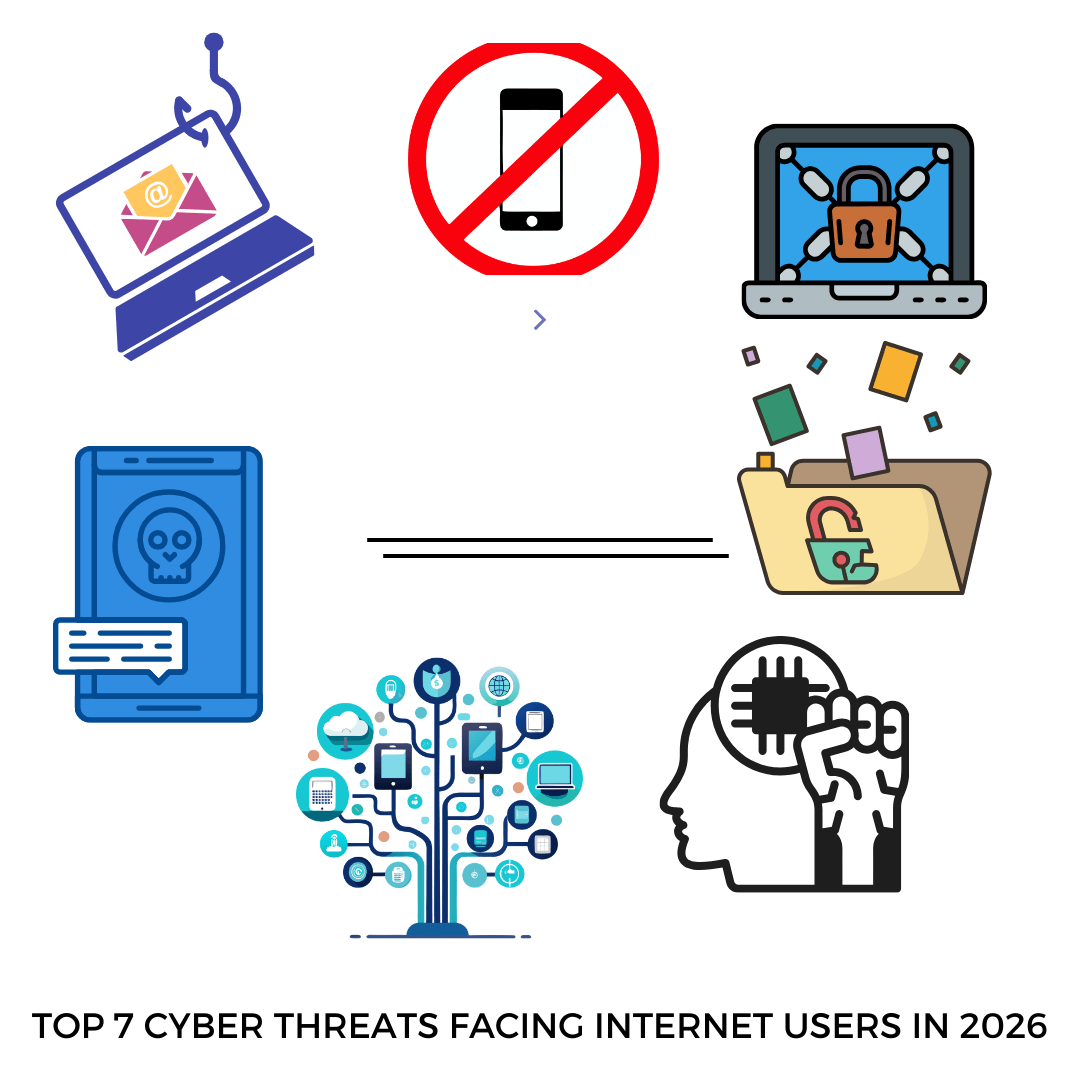
If you want to stay safe in 2026, you need to understand these threats and how to protect yourself. This guide will explain the top 7 cyber threats facing internet users today and give you practical tips to avoid them.
PHISHING
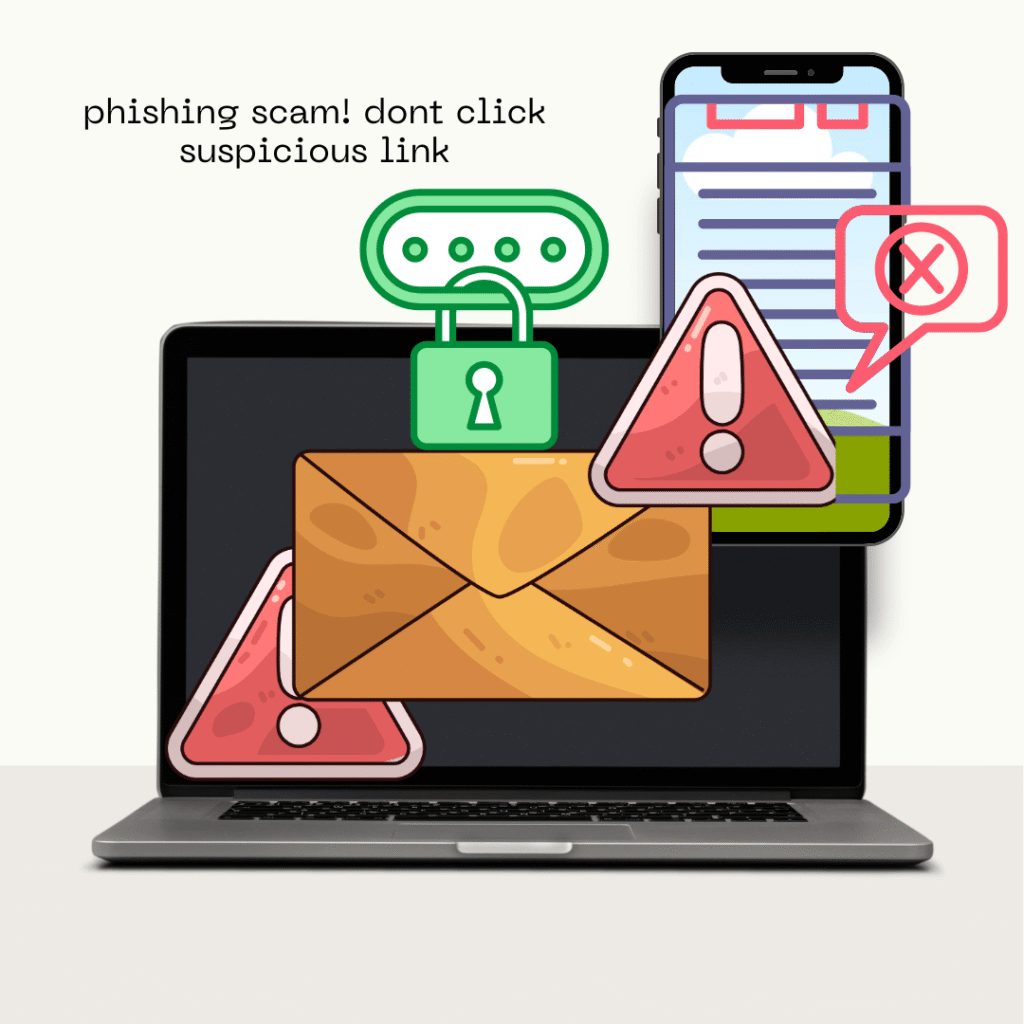
Phishing is one of the most common threats online. It happens when scammers trick you into giving your personal information. They often send emails or messages that look real. Sometimes, they create fake websites that mimic real ones.
How to identify phishing:
The sender’s email address looks suspicious.
The message creates a sense of urgency, like “Your account will be closed!”
Links lead to websites that don’t match the official URL.
How to protect yourself:
Never click links from unknown sources.
Always check the sender’s email carefully.
Avoid giving personal information online unless you are sure the site is real.
Phishing can steal your passwords, banking info, and even your identity. Being cautious online is the best defense.
MALWARE
Malware is software that is designed to harm your device. It can slow down your computer, steal personal data, or even take control of your device. Malware comes in many forms, such as viruses, trojans, and worms.
How malware spreads:
Downloading files from untrusted websites
Opening email attachments from unknown senders
Clicking on pop-up ads
How to avoid malware:
Install trusted antivirus software on all devices.
Keep your apps and operating systems updated.
Avoid downloading files from untrusted websites.
Malware can be very damaging. It may silently collect your information without your knowledge. Staying cautious and using security software is crucial.
RANSOMWARE
Ransomware is a type of malware that locks your files and demands money to unlock them. It can appear in emails, software downloads, or even fake websites. Once it infects your device, your files become inaccessible.
Signs of ransomware:
You suddenly cannot open your files
A message appears demanding payment
Your device behaves unusually slow
How to protect yourself:
Backup your important files regularly on an external drive or cloud storage.
Do not open suspicious email attachments.
Use reliable security software to detect threats early.
Ransomware attacks can be devastating. Regular backups and careful online behavior can save you a lot of trouble.
SPYWARE
Spyware is software that secretly monitors your online activity. It can record keystrokes, passwords, and even the websites you visit. Hackers can use this information to steal your identity or money.
How to avoid spyware:
Avoid installing apps from unknown sources.
Use anti-spyware or security software.
Keep your operating system and apps updated.
Spyware often goes unnoticed, making it very dangerous. Being careful with what you install is key to staying safe.
IDENTITY THEFT
Identity theft happens when someone steals your personal information. They may use it to open accounts, apply for loans, or make purchases in your name.
Common causes of identity theft:
Weak passwords
Sharing personal information online
Falling for scams
How to protect yourself:
Use strong, unique passwords for all accounts.
Enable two-factor authentication wherever possible.
Avoid sharing personal information publicly on social media.
Identity theft can take months or years to fix. Protecting your information online should be your top priority.
PUBLIC WIFI-RISK
Free public Wi-Fi is convenient, but it can also be dangerous. Hackers can intercept your data on unsecured networks. This means your passwords, messages, and banking info could be at risk.
How to stay safe on public Wi-Fi:
Use a VPN (Virtual Private Network) to encrypt your connection.
Avoid accessing sensitive accounts like banking apps on public networks.
Turn off file sharing and Wi-Fi auto-connect features.
Even a quick check of social media on public Wi-Fi can put you at risk. Using a VPN and being careful is essential for safe browsing.
SOCIAL ENGINEERING
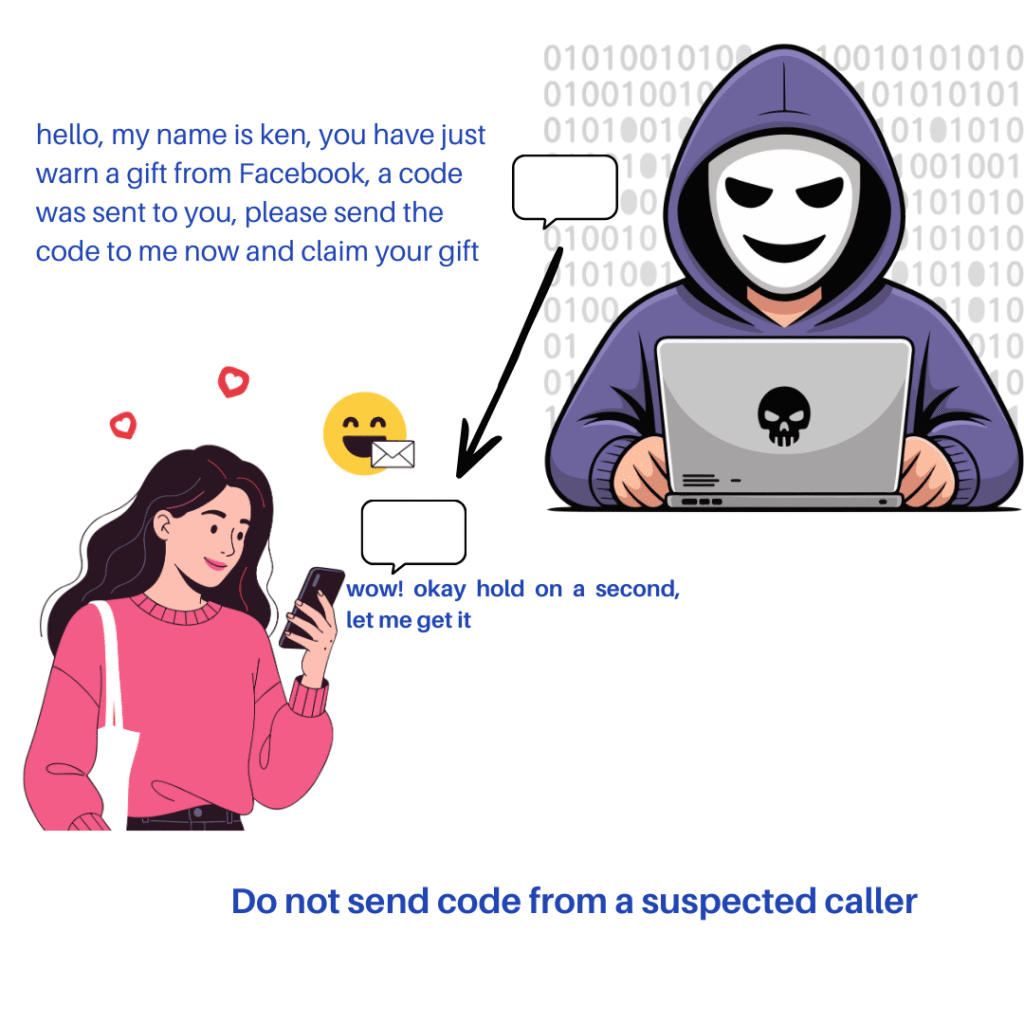
Social engineering is when hackers trick people into giving confidential information. They often pose as someone trustworthy, like a friend, coworker, or bank employee.
Common social engineering tactics:
Fake calls claiming urgent account issues
Messages pretending to be from trusted websites
Scams promising prizes or rewards
How to protect yourself:
Verify any requests for personal information.
Never trust unknown callers or messages easily.
Learn to recognize common scams and stay alert.
Social engineering relies on human error. Being aware and skeptical can prevent many attacks.
FINAL TIPS TO STAY SAFE ONLINE
The internet is fun and useful, but it has risks. The following are tips to protect yourself from all types of cyber threats:
Update your devices and apps regularly. Updates fix security issues.
Use strong and unique passwords. Avoid repeating passwords across sites.
Enable two-factor authentication wherever possible.
Backup important data to external drives or cloud storage.
Think before you click links, attachments, or pop-ups.
Use antivirus and anti-spyware software on all devices.
Conclusion
Cyber threats are real, and they are growing every year. In 2026, internet users must be smarter and more careful online. By understanding phishing, malware, ransomware, spyware, identity theft, public Wi-Fi risks, and social engineering, you can take the right steps to protect yourself.
Following these simple tips will help you stay safe online, protect your data, and enjoy the internet with confidence.