


Cyber security tips for businesses are becoming increasingly important as companies face growing online threats. Cybersecurity is no longer something only large corporations need to worry about. Small businesses, startups, online stores, agencies, schools, freelancers and other organizations all depend on digital systems to communicate with customers, store information, receive payments and run daily operations.
That dependence also creates opportunities for cyber-criminals.
A stolen password, phishing email, outdated application or compromised employee account can give an attacker access to business data, financial accounts, customer information or important systems.
As businesses become increasingly digital, having a basic cybersecurity strategy is becoming an essential part of running a business, not an optional technical extra.
So, what can businesses do to protect themselves in 2027?
In this guide, we’ll look at 10 practical cybersecurity tips for businesses in 2027, including multi-factor authentication, employee training, software updates, data backups, encryption, access control and incident response.
Why Cybersecurity Matters for Businesses in 2027
Businesses are storing more information online than ever before. Customer details, employee records, financial information, business documents, passwords and intellectual property may all exist across cloud services, websites, computers and mobile devices.The Ultimate Guide to internet safety and digital literacy
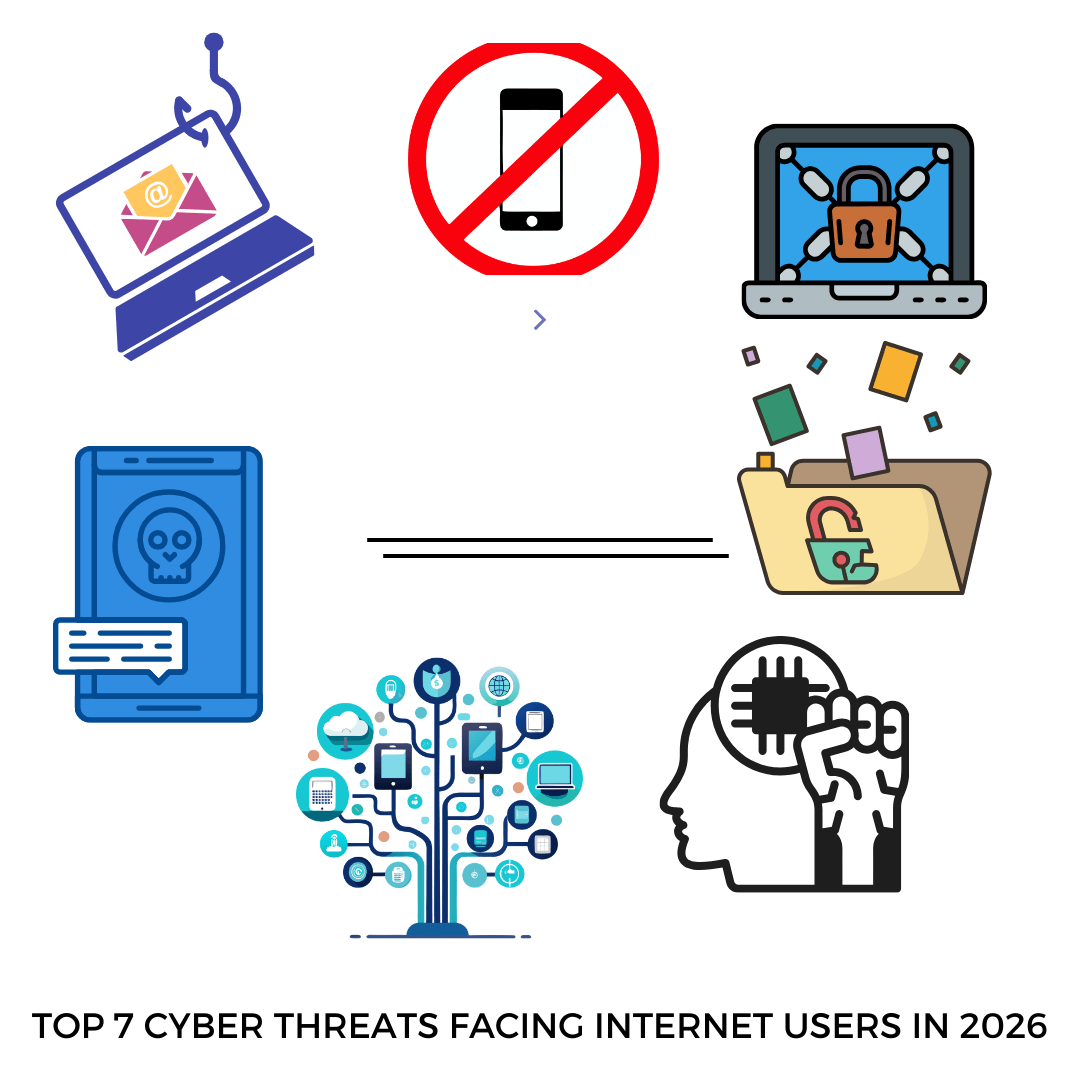
This means a cybersecurity incident can affect much more than a company’s computers.CYBER THREATS TO WATCH IN 2026 AND HOW TO AVOID THEM
A successful attack could result in:
- Loss of sensitive business data
- Financial losses
- Compromised customer information
- Website or service downtime
- Stolen business accounts
- Damage to customer trust
- Legal or regulatory problems
- Lost productivity
The good news is that cybersecurity does not always require an expensive security department or complicated technology.
Many important protections are relatively straightforward.
NIST’s cybersecurity guidance for small businesses recommends measures such as multi-factor authentication, strong passwords, regular backups, software updates and encryption as part of a broader approach to managing cyber risk.
Top Cybersecurity Tips for Businesses in 2027
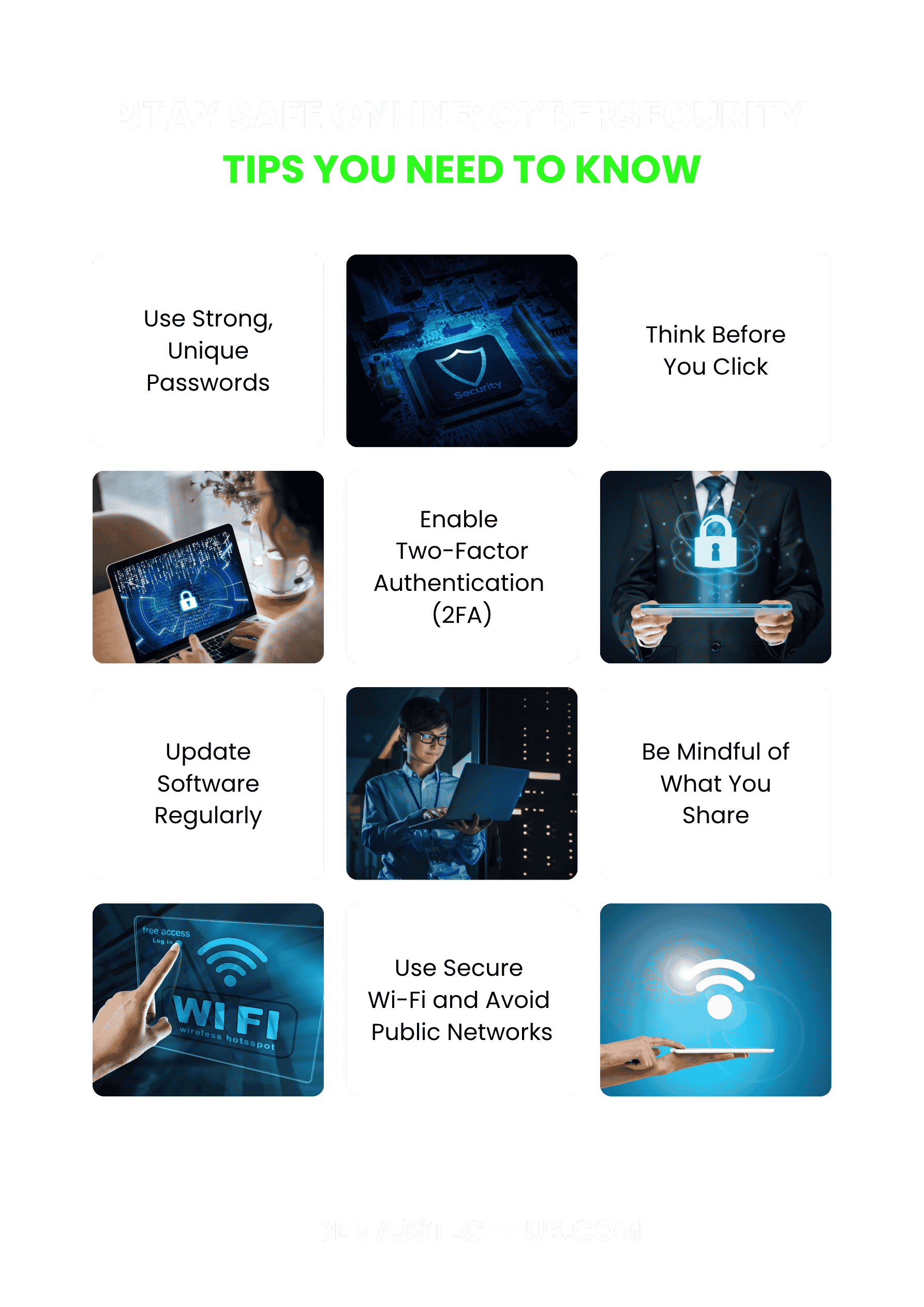
Below are 10 cybersecurity practices businesses should prioritize.
1. Use Multi-Factor Authentication on Important Accounts
One of the simplest ways to strengthen business security is to enable multi-factor authentication (MFA).
MFA requires users to provide more than one form of verification before accessing an account. For example, a person may need their password plus an authentication-app code or security key.
This provides an additional layer of protection if a password is stolen.
Businesses should consider enabling MFA on accounts such as:
- Business email
- Banking and financial accounts
- Website administration
- Cloud storage
- Social media accounts
- Accounting software
- Customer management systems
- Remote-access services
- Password managers
CISA recommends that businesses use MFA wherever possible and aim for phishing-resistant authentication when available.www.cisa.gov/audiences/small-and-medium-businesses
Practical tip
Don’t wait until an account is compromised before enabling MFA.
Start with accounts that contain the most sensitive information, particularly administrator, financial and email accounts.
If a service offers stronger authentication options such as security keys or other phishing-resistant methods, consider using them where appropriate.
2. Train Employees to Recognize Phishing and Social Engineering
Technology cannot protect a business effectively if employees are constantly tricked into giving attackers access.
Phishing occurs when criminals use deceptive emails, messages, websites or other communication methods to persuade someone to reveal information, open a malicious attachment or perform an unsafe action.
A message might appear to come from:
- A company executive
- A bank
- A customer
- A supplier
- A colleague
- A delivery company
- A government organization
Some scams can look surprisingly convincing.
Businesses should regularly educate employees about common warning signs, including:
- Unexpected requests for passwords or payment
- Urgent requests to transfer money
- Suspicious links
- Unexpected attachments
- Messages asking employees to bypass normal procedures
- Slightly altered email addresses
- Requests for confidential information
CISA includes phishing awareness among the core cybersecurity practices businesses should adopt.

Practical tip
Create a simple rule:
When a request involving money, passwords or sensitive information feels unusual, verify it through another communication channel before acting.
For example, instead of replying to a suspicious email asking for a bank transfer, contact the person directly using a trusted phone number.
3. Use Strong, Unique Passwords and a Password Manager
Weak or reused passwords can create serious security problems.
If an employee uses the same password for several services and one of those services suffers a data breach, criminals may attempt to use the exposed password on other accounts.
Businesses should therefore avoid password reuse.
A good password strategy should include:
- Long and unique passwords
- Different passwords for different accounts
- No sharing of passwords through unsecured messages
- Removal of former employees’ access
- Password managers where appropriate
- Strong protection for administrator accounts
A password manager can make this easier because employees do not have to memorize dozens of complex passwords.
NIST recommends strong passwords and suggests considering password managers as part of basic business cybersecurity.www.nist.gov
Practical tip
Don’t rely on employees to remember every password manually.
Use a reputable password-management solution and establish clear rules about who can access shared business credentials.
4. Keep Software, Devices and Plugins Updated
Software updates are not just about getting new features.
Updates can also fix security vulnerabilities that attackers could exploit.
This applies to:
- Operating systems
- Web browsers
- Mobile apps
- WordPress
- WordPress plugins
- Website themes
- Antivirus software
- Business applications
- Routers and other network devices
NIST recommends keeping software updated and patched, while CISA also lists software updates among its cybersecurity essentials for businesses.
Practical tip
Where possible, enable automatic updates for software that supports them.
For business websites, don’t install plugins or themes simply because they are popular. Check that they are actively maintained and remove software that is no longer needed.
An unused plugin can become an unnecessary security risk.
5. Back Up Important Business Data Regularly
Imagine losing your customer database, invoices, business documents, website files and other important information overnight.
Without reliable backups, recovering from such an incident can become extremely difficult.
Backups are therefore an important part of cybersecurity and business continuity.
Businesses should consider backing up important information such as:
- Customer records
- Financial documents
- Accounting data
- Website files
- Databases
- Important contracts
- Business documents
- Product information
- Critical operational data
However, simply creating a backup is not enough.
You should also test whether you can actually restore your data from it.
NIST recommends regularly backing up data and testing backups, while CISA also identifies backups as an important cybersecurity practice for businesses.
Practical tip
Maintain more than one copy of important data and make sure backups are protected from unauthorized access.
A business should know:
- What data needs to be backed up?
- How frequently should it be backed up?
- Where are the backups stored?
- Who can access them?
- Can the data actually be restored?
6. Encrypt Sensitive Business Information
Encryption helps protect information by transforming readable data into a form that cannot easily be understood without the appropriate key or credentials.
Businesses should consider encryption for sensitive information, especially when it is stored on laptops, mobile devices or other systems that could be lost or stolen.
Sensitive information may include:
- Customer information
- Financial records
- Employee information
- Business contracts
- Intellectual property
- Login credentials
- Confidential company documents
NIST’s small-business guidance specifically includes full-disk encryption for laptops and tablets as a way to protect stored data.
Practical tip
Don’t only think about protecting data while it is stored.
Consider how sensitive information is protected when it is being transmitted, shared or accessed remotely as well.
Businesses handling highly sensitive information should also understand the privacy and regulatory requirements that apply to their industry and location.
7. Limit Employee Access to Sensitive Information
Not every employee needs access to every business system.
If an employee only needs access to a particular application to perform their job, there may be little reason to give them administrator privileges across the entire organization.
This is part of the principle of least privilege.
For example:
An employee responsible for social media may need access to the company’s social media accounts, but may not need access to payroll records.
Similarly, an employee working with customer support may need access to customer information but not necessarily financial administration systems.
Practical tip for business cybersecurity
Regularly review:
- Who has administrator privileges?
- Who can access financial accounts?
- Who can access customer information?
- Which employees can access website administration?
- Which former employees still have accounts?
- Which third-party services have access to business data?
When someone’s role changes or they leave the company, update or remove their access promptly.
NIST specifically encourages businesses to consider whether access and privileges are restricted to people who actually need them.
8. Secure Your Business Website and Online Accounts
Your website is often one of the most visible parts of your business.
For businesses using WordPress or another content management system, website security should be treated as part of the overall cybersecurity strategy.
Some basic measures include:
- Keep WordPress and plugins updated
- Use strong administrator passwords
- Enable MFA where available
- Remove unused plugins and themes
- Use HTTPS
- Limit administrator accounts
- Keep regular website backups
- Monitor unusual login activity
- Use reputable hosting and security tools
- Avoid downloading software from entrusted sources
The same principle applies to social media and cloud accounts.
A compromised Facebook, Instagram, Google, Microsoft or other business account can potentially be used to impersonate the company, scam customers or access other services.

Practical tip For business cybersecurity
Create an inventory of your important online accounts.
Don’t forget accounts that may have been created years ago by former employees, freelancers or agencies.
Knowing what accounts exist is the first step toward protecting them.
9. Have a Cybersecurity Incident Response Plan
Even with good security practices, no business can assume that an incident will never happen.
A company should know what to do if an account is compromised, data is stolen, malware is detected or a suspicious payment request is discovered.
Without a plan, employees may waste valuable time trying to figure out what to do during the incident.
A basic incident response plan should identify:
- Who should be contacted first
- Who has authority to make decisions
- Which accounts should be secured
- How compromised devices should be isolated
- Where backups are stored
- How customers or partners should be contacted when necessary
- When external cybersecurity professionals should be contacted
- What evidence should be preserved
NIST’s Cybersecurity Framework 2.0 uses a broader risk-management approach that includes identifying, protecting, detecting, responding and recovering from cybersecurity risks.www.nist.gov
Practical tip
Don’t wait for a real attack to discover that nobody knows what to do.
Create a simple response document and review it periodically.
Even a one-page emergency checklist can be useful for a small business.
10. Make Cybersecurity Part of Your Business Culture
Cybersecurity should not be treated as something that belongs only to the IT department.
Everyone who interacts with company technology has a role to play.
Business owners, managers, employees, contractors and even third-party service providers can affect the organization’s security.
A strong cybersecurity culture encourages people to:
- Report suspicious messages
- Use MFA
- Protect passwords
- Install updates
- Avoid unknown downloads
- Protect company devices
- Follow access-control policies
- Ask questions when something looks suspicious
NIST’s small-business guidance emphasizes communicating with staff about recognizing attacks, reporting suspicious activity and practicing basic cyber hygiene.
Practical tip on Business cybersecurity
Make cybersecurity training practical rather than intimidating.
Instead of overwhelming employees with technical terminology, teach them what they should actually do when they receive a suspicious message, lose a device or notice unusual account activity.
Cybersecurity Checklist for Businesses in 2027
If you are a small business owner and don’t know where to begin, use this simple checklist:
| Cybersecurity practice | Done? |
|---|---|
| Enable MFA on important accounts | ☐ |
| Use strong, unique passwords | ☐ |
| Use a password manager | ☐ |
| Train employees about phishing | ☐ |
| Update software regularly | ☐ |
| Remove unused software and plugins | ☐ |
| Back up important business data | ☐ |
| Test your backups | ☐ |
| Encrypt sensitive data and devices | ☐ |
| Review employee access privileges | ☐ |
| Secure your website and online accounts | ☐ |
| Create an incident response plan | ☐ |
| Review cybersecurity practices regularly | ☐ |
You don’t have to implement everything at once.
Start with the accounts and information that would cause the greatest damage if compromised.
What Small Businesses Should Prioritize First
If your business has limited money or technical resources, cybersecurity can feel overwhelming.
You don’t necessarily need to purchase every security product available.
Start with the fundamentals:
First: Protect important accounts with MFA.
Second: Use strong, unique passwords.
Third: Train employees to recognize phishing and suspicious requests.
Fourth: Keep software and websites updated.
Fifth: Back up important data and test the backups.
Sixth: Review who can access sensitive systems.
These measures create a foundation that can be expanded as your business grows.
NIST provides a Cybersecurity Framework 2.0 Small Business Quick-Start Guide specifically for small and medium-sized organizations that have limited or no existing cybersecurity plans.
Frequently Asked Questions About Business Cybersecurity
What is the most important cybersecurity tip for a small business?
There isn’t one security measure that can protect a business from every type of attack. A strong starting point is to combine multi-factor authentication, strong passwords, employee awareness, software updates and reliable backups.
How can a small business protect itself from phishing?
Train employees to identify suspicious messages, verify unusual requests independently and avoid clicking unexpected links or opening suspicious attachments. MFA can also reduce the consequences of stolen passwords.
How often should businesses back up their data?
The appropriate frequency depends on how much data the business creates and how much information it can afford to lose. Businesses with frequently changing or critical data may need more frequent backups than organizations with less frequently changing information.
Most importantly, backups should be protected and tested so the business knows they can actually be restored.
Is cybersecurity only important for large companies?
No. Any business that uses computers, smartphones, websites, email, cloud services or online financial systems can face cybersecurity risks.
Small businesses may also have fewer resources available for recovering from a serious incident, which makes basic security practices particularly important.
Should businesses use multi-factor authentication in 2027?
Yes. MFA is an important security control for business accounts. Organizations should enable it wherever possible and consider stronger, phishing-resistant authentication methods for important accounts.
Can cybersecurity completely prevent cyberattacks?
No security system can guarantee that a business will never experience a cyber incident.
The goal is to reduce risk, make attacks more difficult, detect problems sooner and improve the organization’s ability to recover.
CONCLUSION
Cybersecurity tips for businesses in 2027 will not simply be about installing antivirus software and hoping for the best.
Businesses need a broader approach that combines technology, employee awareness, access control, data protection, backups and preparation for possible incidents.
The good news is that many of the most important cybersecurity practices are practical and achievable even for small businesses.
Start by protecting your most important accounts with MFA, using strong passwords, training your employees, keeping software updated and maintaining reliable backups. Then gradually strengthen other areas of your business security.
Cybersecurity is not a one-time project. It is an ongoing process that should evolve alongside your business, technology and the risks you face.
The earlier a business builds good security habits, the easier it becomes to protect its customers, employees, data and reputation as it grows.
This article on cybersecurity tips for businesses is intended for general educational purposes and is not a substitute for professional cybersecurity, legal or regulatory advice. Businesses should consider their specific risks, industry requirements and applicable laws when developing a cybersecurity program.